
 OFFICIAL RESELLER
 4.9 / 5.0 (1000+ Top-Ups)
 Avg. Delivery: 10s
 100% Anti-Ban Guarantee
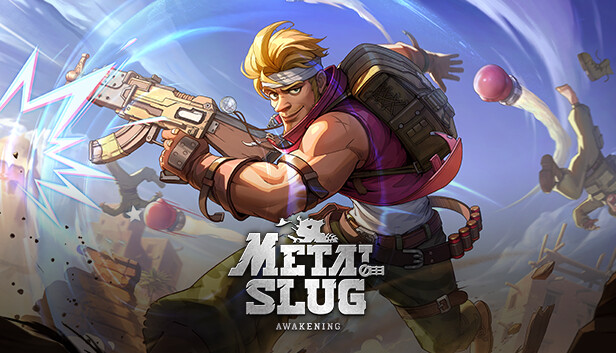
Metal Slug: Awakening (SEA)
METAL SLUG AWAKENING
How to Find Your User ID (Role ID)
Log In to Your Account
Launch Metal Slug Awakening on your device and log in using your game account.
Open Your Player Profile
From the game interface, tap your Avatar Icon to access your player profile and account information.
Locate Your Role ID
Your Role ID (User ID / UID) will be displayed on your profile screen. Copy or carefully note down the ID for your top-up purchase.
No Login Required! Simply enter your Role ID on our top-up page, select your desired package, and complete payment.
You do not need to share your game password or login credentials.
Important Reminder: Please verify your Role ID before confirming your purchase. Incorrect account details may result in failed or misdirected top-ups.
LEVEL.UP CREDITS
Level up your game. Power up with confidence.
www.level-upcredits.com
Enter Player Identity
Provide your User ID
Login to continue
Select Pack
Pick the pack you want to topup
Verify your player identity to view packs.
Payment Method
Choose the payment method for your topup
Select a pack to view payment methods.
Order Summary
Verify information and proceed to payment
Select a payment method to continue.